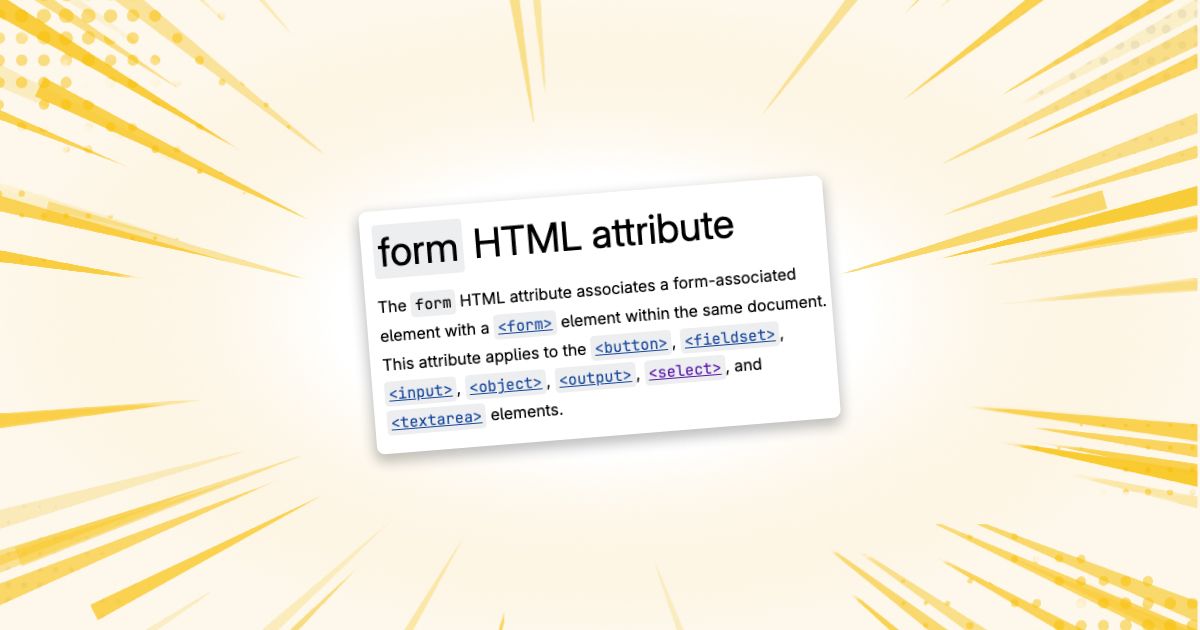
Ok, this is maybe something that is widely known (it sure feels like it should be), but it was a gap in my knowledge at least, due to being self-taught: HTML <form> controls don't have to be inside the <form> tag!
All my web dev life, I always thought that any fields of a form necessarily had to be inside the <form> it belongs to, otherwise it'd rely on JavaScript to work, which is gross. Which is how I ended up with structures similar to the one below, from a blog archive page:
<form action="/">
	<section class="hero">
		<!-- Search input and category filters -->
	</section>

	<!-- Other blocks like featured posts -->

	<section class="posts-feed">
		<!-- blog posts, pagination, extra filters, etc -->
	</section>
</form>
The content in between the hero and posts-feed is flexible and controlled from the CMS, which means it can contain any other components in it. To account for that, I wrapped the entire content of the page in a <form>, so that the controls on both the hero and the feed submitted the same data to the server.
This was working perfectly fine, until a client added a newsletter CTA in that flexible section. This means that one of those blocks had its own <form>.
The thing is, nested <form>s aren't a thing in HTML. Submitting the newsletter form was actually submitting the posts filtering instead, and a quick look at the DOM structure revealed that the newsletter form was actually being rendered as a <div> instead.
My brain immediately saw this as a big challenge: how can I keep both the hero and posts-feed inputs in sync but still support inner forms? Would I have to resort to some ugly JavaScript for that?
I'm glad I did some research first.
The form attribute
Proving once again that HTML is awesome and JavaScript is rarely necessary, I found out that elements such as <input> , <select>, <textarea> and <button> can all be associated with a form by using the form attribute (MDN page).
It's incredibly simple, really. Give any <form> an id, and you can then assign any form control to that form by pointing it to that id, even if they're not physically inside the form!
In other words, this:
<form id="example">
    <input name="email">
</form>
Can, for most practical purposes, be replaced by this:
<form id="example"></form>

<input name="email" form="example">
The second version gives us considerably more freedom over where the control appears on the page.
Fixing the blog archive example
So for the blog archive example above, we could do something like this:
<form id="posts-form" action="/"></form>

<section class="hero">
	<input name="search" form="posts-form">

	<button type="submit" form="posts-form">
		Search
	</button>
</section>

<!-- Other blocks, even ones with forms -->

<section class="posts-feed">
	<select name="sorting" form="posts-form">
		<!-- options -->
	</select>
</section>
Browser support
The form attribute will work on any browser newer than Internet Explorer 11. Yep. It's a really old thing. If you're still supporting IE11 in this day and age, I am so sorry. But you probably have bigger problems than this.
Using it with JavaScript
If you rely on JavaScript for enhancing your form, good news: controls with the form attribute behave just as if they were inside the form! Which means you can use form.elements to get them.
Given this markup:
<form id="posts-form"></form>

<input
    name="s"
    value="CSS"
    form="posts-form"
>

<input
    name="paged"
    value="2"
    form="posts-form"
>
We can access both fields through the form:
const form = document.querySelector('#posts-form');

console.log(form.elements);
// Includes both inputs
They are also included when creating FormData:
const formData = new FormData(form);

console.log(formData.get('s'));     // "CSS"
console.log(formData.get('paged')); // "2"
This made it especially useful for my archive, which submits its filters using AJAX. I could continue treating everything as one form without relying on a common parent element:
const form = document.querySelector('#posts-form');

form.addEventListener('submit', event => {
    event.preventDefault();

    const data = new FormData(form);

    // Fetch the filtered posts...
});
The HTML association remains the source of truth. JavaScript doesn't need to know where each field happens to be rendered. This is why using what the platform provides always pays off!
One important detail
The form attribute is not inherited.
Setting it on a wrapper does not automatically associate every control inside that wrapper:
<!-- This does not associate the input -->
<div form="posts-form">
    <input name="s">
</div>
It needs to be placed on each form-associated control:
<div>
    <input
        name="s"
        form="posts-form"
    >

    <button
        type="submit"
        form="posts-form"
    >
	    Search
    </button>
</div>
The same applies to a <fieldset>. Although <fieldset> itself supports the form attribute, that value is not inherited by its descendant inputs.
This can require passing the form ID through a few component layers, but I still prefer that explicit relationship over wrapping several unrelated page sections in one form.
Wrapping up
Learning new things about HTML and CSS is not at all uncommon (both languages, especially CSS, are improving a ton lately), even with over 12 years of experience in web dev. But learning old things is a welcome thing, too! It means we don't have to wait for browser support to catch up 😅
Thanks for reading!
Did this blog post change your life? Or maybe I made a mistake that ruined your day? You can always send me an email to tell me about it.