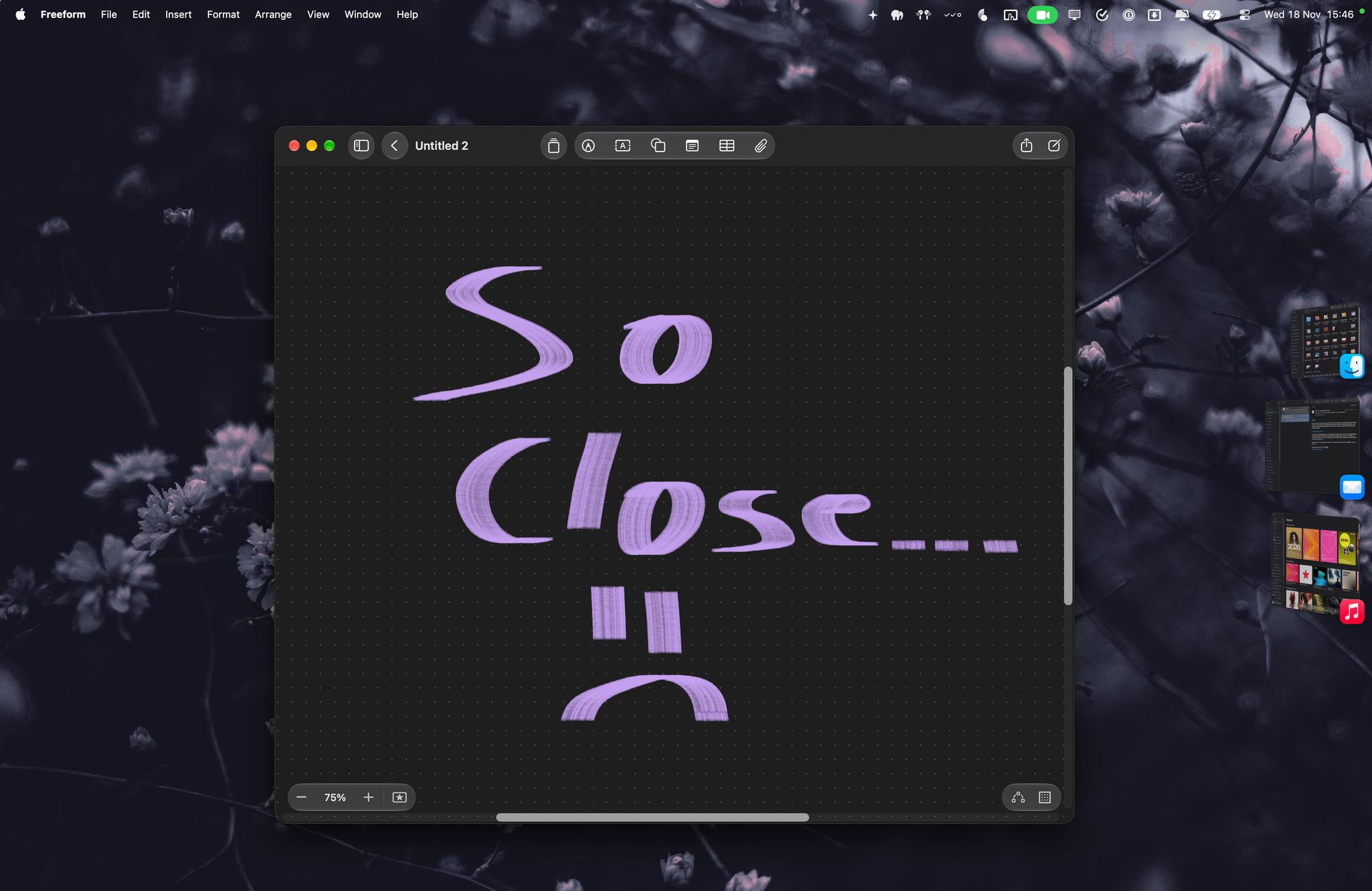
I'm not a fan of window management on macOS. As someone who grew up with Windows and then found the wonders of GNOME on Linux, this part of macOS always felt like a downgrade. You need third-party apps for the basic stuff and it just doesn't feel great.
Mission Control makes windows too hard to parse. I loved dynamic spaces in GNOME, but the static ones on macOS just don't do it for me.
When Apple announced Stage Manager in 2022, I was excited! I think window management on desktop in general needs an overhaul. It was made for a different time, with smaller screens, fewer apps, and a different user. A while ago, I watched this talk by Scott Jenson and the prototype he demos looks incredible. Stage Manager was almost that, in a way.
What it gets right
In theory, Stage Manager is great: it allows you to group windows together so that they're either displayed alongside each other or are neatly tucked away on the side of the screen, like a secondary dock. Conceptually, it's not that different from spaces, except that they remain visible on the screen edge and jumping between window groups (or "stages") is much more convenient. To me, its spatial model makes perfect sense, and that's the reason I use it!
Where it goes awry
But it's made by Apple, isn't it? Which means they get almost all the way there, but stop just short of it, and never give you the power to do the final stretch yourself.
Using Stage Manager can be extremely disorienting for a single reason: every new window you open will open on its own new "stage" and tuck away everything else.¹ Under a very specific mental model, this makes sense: if I open a new app window, this means I'm working on something else, right? In my usage, and in a lot of other people's usage, no.
When I work, I tend to have 2-3 main apps I switch to, but I'm constantly jumping to others that usually don't have open windows: I might want to open Finder to quickly fetch a file I need, or open Mail to quickly double-check some information there, or open Calendar to see how much time I have until my next meeting. In all of these cases, what would be a quick glance normally becomes disorienting on Stage Manager, because the simple act of opening a new window tucks my entire work context away in the corner of the screen, and the animation is quite jarring when it's unexpected.
Not to mention, any app that opens other apps' windows becomes a pain to use. The simple act of opening an image inside Finder becomes messy, disorienting, and requires so many more clicks.
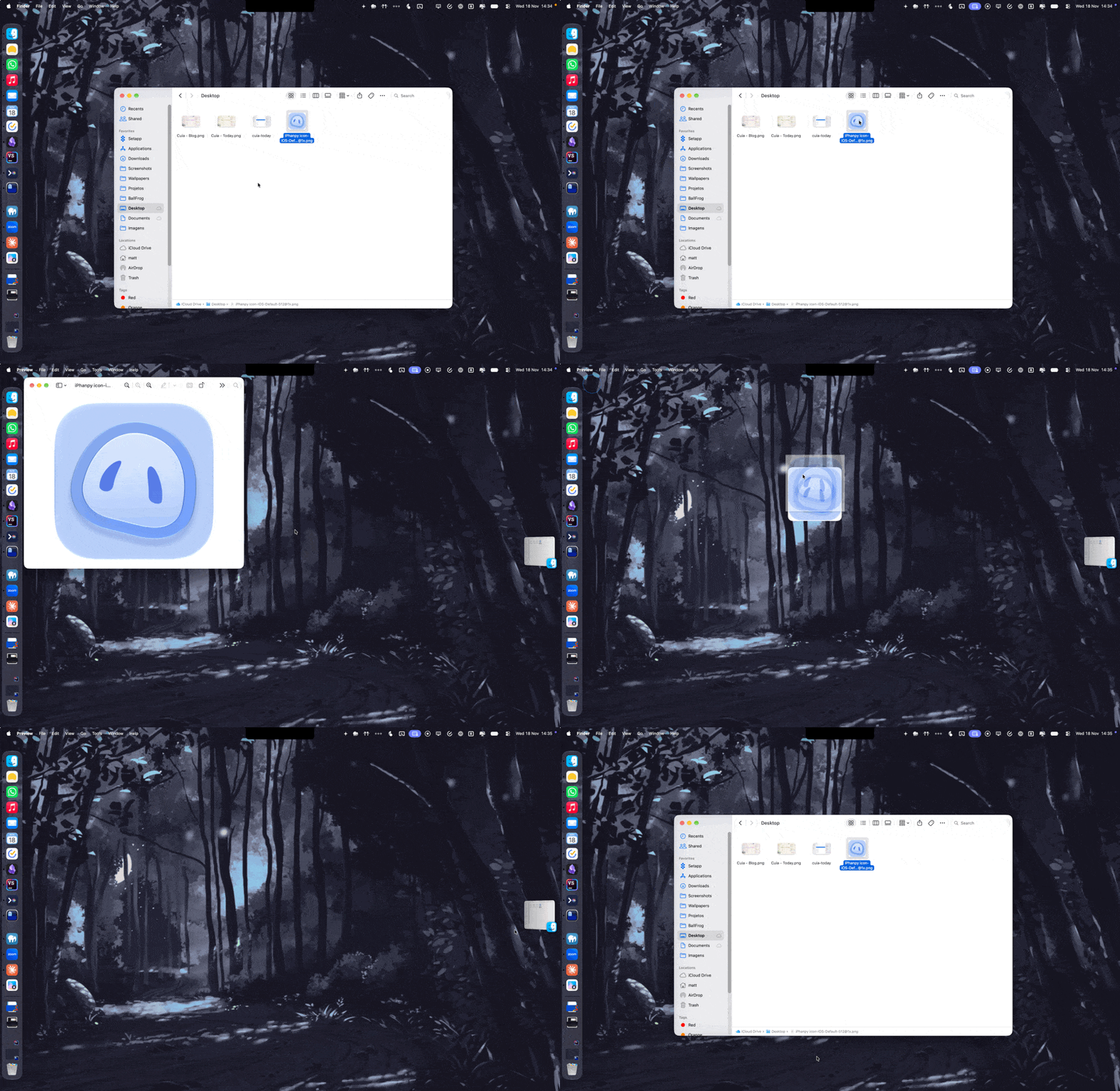
I've used the word "disorienting" a few times in this post, which is an ironic word to keep reaching for when talking about something that was specifically built to do the opposite — giving you a better visual model of the windows on your desktop.
Just one checkbox, Apple
I still think Stage Manager is a good idea. A single fix would make using it a joy: always open new windows on the current Stage by default. That's it. This would stop the windows from jumping around unexpectedly, would fix workflows that constantly open new windows, and at least to me would make it the best window manager I've ever used. Heck, make it a checkbox in the settings that I can turn on, it doesn't even have to be the default. Just remember Stage Manager exists, please 🫠
1 - technically new windows of the same app will open on the current Stage, but most of the time I'm opening different apps.
Did this blog post change your life? Or maybe I made a mistake that ruined your day? You can always send me an email to tell me about it.